Google Chrome
Safe, fast, and reliable browsing with Google Chrome

Safe & Secure
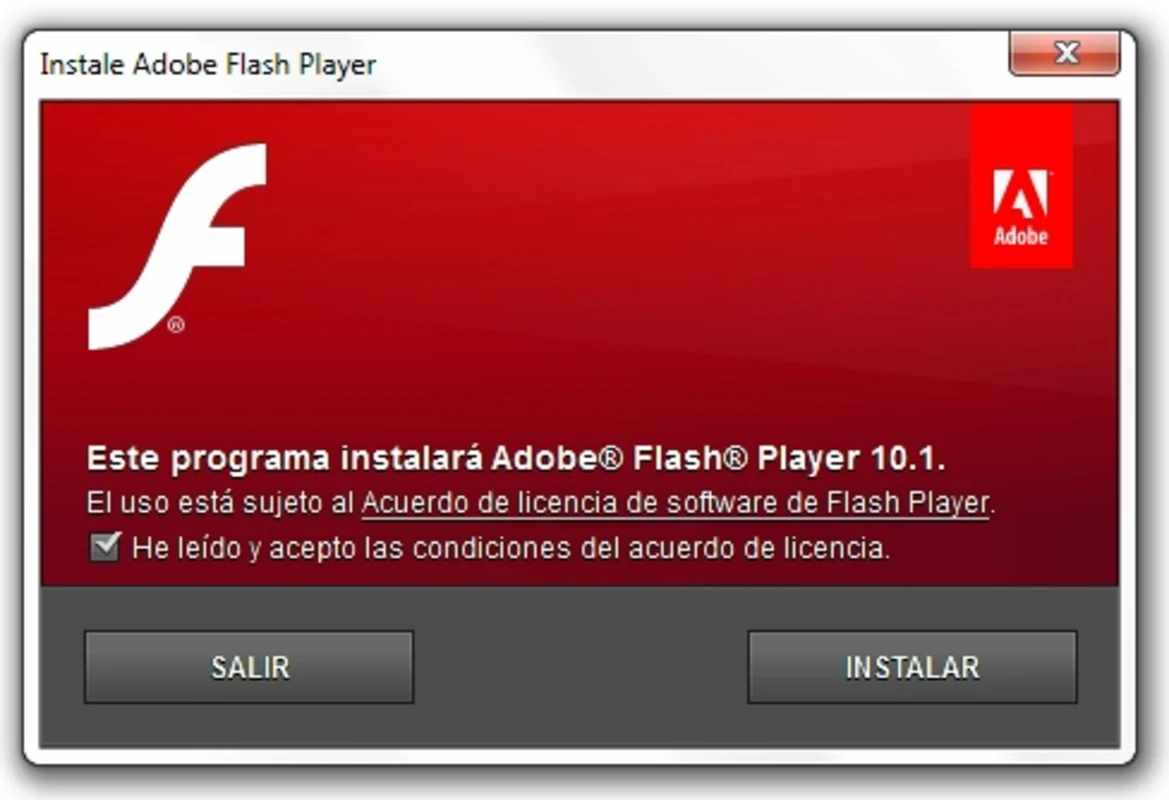
Adobe Flash Player Squared is one of the most powerful Flash players, supporting 64-bit processors to display videos, animations, buttons, and menus for a huge number of websites. It helps the developers and testers to test Flash elements on multiple 64-bit-supported browsers; regardless of the device you are using, including Windows, Linux, and macOS.
The innovative software offers complex multimedia experiences, offering a powerful scripting language, a huge variety of animations, and cross-platform compatibility. However, it has multiple severe and unpatched security threats.
Adobe Flash Player Squared, developed by Adobe Inc., falls under the Plugins & Extensions category and is a preview build that was released in 2010. On December 31, 2020, Adobe discontinued official support for Adobe Flash Player. So, the old preview builds, such as Adobe Flash Player Squared, appeared as an alternative.
The app was basically designed for 64-bit operating systems and used by developers and testers for experimental purposes. It also helps to play FLV format videos from multiple streaming platforms, including YouTube, Vimeo, or Megavideo.
The support for multiple multimedia formats, such as video, audio, animations, and so on, ensures the creation of websites that require interaction and visual appearance. Interactive functionality converts your passive viewing into immersive experiences, engaging users through buttons, menus, and mouse events.
The availability of wide compatibility makes the app easily accessible to a wide audience, as the app integrates with multiple operating systems and web browsers. This innovative integration makes it possible to embed multimedia content using tags, such as object, embed, and so on. However, the compatibility can cause various security vulnerabilities, as complained about by users in the last few years, and also, for mobile devices, its adoption is limited.
The support for ActionScript programming language helps the developers to manage the creation process for interactive multimedia applications. This awesome language proves to be the best alternative to JavaScript. Moreover, the high customizability makes everything configurable, such as enabling/disabling automatic updates, controlling the amount of disk space, and so on.
The app offers a quick and user-friendly interface with a simple right-click menu, ensuring essential settings are accessible, such as playback, storage, and security. No doubt, the customization options are limited, but helpful for making necessary changes. It supports FLV format to play videos from streaming platforms, such as YouTube, Vimeo, and so on.
It offers seamless compatibility with screen readers, using APIs such as MSAA and IAccessible2. In case of not implementing these features properly, the accessibility can be resulted poor for multiple Flash-based websites. So, users have to face navigation challenges because of inconsistent and visually impaired screen reader functionality.
It allows you to enjoy perfect playback with hardware-accelerated HD video. You need only to ensure the app, as an installed plugin on your browser, is secure and up to date. The regular improvements make it possible to deliver responsive feedback, even when your PC is maxed out.
Pros
Cons

Safe, fast, and reliable browsing with Google Chrome

Opera offers the best browsing functionalities including built-in VPN, ad-blocker, and Turbo mode.

Fast Browsing with offering Cutting-edge Security and Speed.

UC Browser for PC, the leading mobile browser now available for PCs

Cent Browser is a Chromium-based browser with seamless browsing online

Firefox can display a large number of pages and extra capabilities that can help you online very fast.